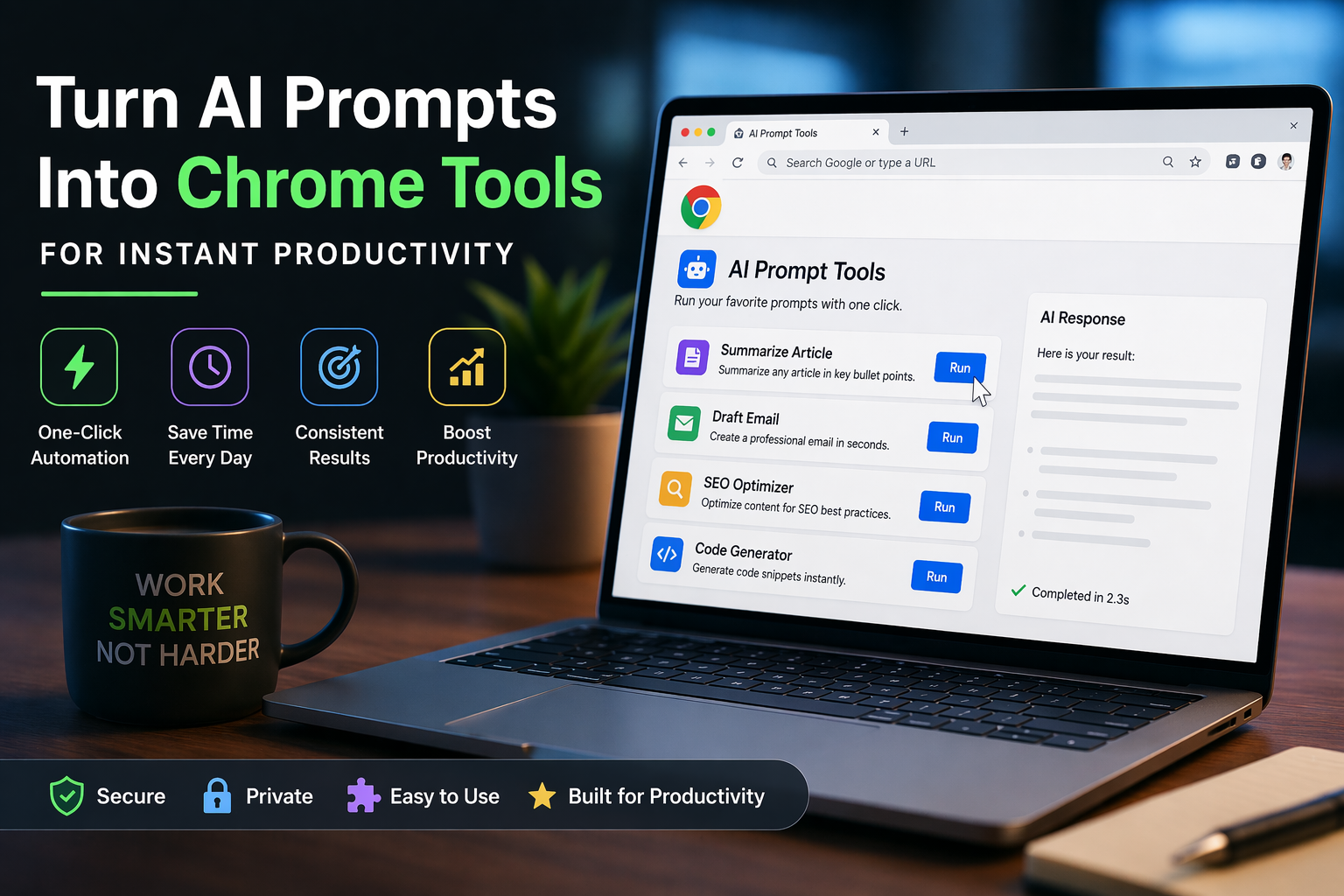
Turn AI Prompts Into Chrome Tools for Instant Productivity
AI prompts Chrome tools are changing how professionals use artificial intelligence every day. Instead of manually typing prompts into AI platforms, users can now turn their best prompts into one-click tools directly inside Chrome—saving time and dramatically improving productivity.
This shift is transforming AI from a manual process into a streamlined, repeatable workflow.
Why Manual Prompting Is Holding You Back
Typing prompts into AI tools like ChatGPT is fine for experimentation, but it breaks down in real-world workflows.
Think about how often you:
- Rewrite similar prompts
- Copy and paste content between tabs
- Adjust the same instructions repeatedly
This repetition wastes time, creates inconsistencies, and makes it difficult to scale AI usage across teams.
The solution is simple: turn those prompts into reusable, clickable tools.
What Are AI Prompts Chrome Tools?
AI prompts Chrome tools are lightweight browser-based automations that allow you to trigger pre-built prompts with a single click.
Instead of typing:
“Summarize this article in 3 bullet points with a professional tone…”
You click a button—and it runs instantly.
These tools can be built using:
- Chrome extensions
- Bookmarklets
- Custom scripts
- AI-powered browser plugins
The goal is simple: eliminate friction and make AI execution instant.
How It Works: From Prompt to One-Click Tool
The process of turning AI prompts into Chrome tools is straightforward:
1. Identify High-Value Prompts
Start with prompts you use daily:
- Summarization
- Email drafting
- SEO optimization
- Code generation
If you’re repeating it, it’s a perfect candidate for automation.
2. Structure the Prompt Properly
Clean, structured prompts produce better results.
Instead of:
“Write something about this”
Use:
“Write a 150-word summary in a professional tone highlighting key takeaways.”
Consistency is critical when turning prompts into tools.

3. Wrap It in a Chrome Action
This is where automation comes in.
You can:
- Create a simple Chrome extension
- Use tools like Tampermonkey
- Build bookmarklets that inject prompts into AI interfaces
Once configured, your prompt becomes:
- A button
- A shortcut
- A menu action
4. Connect It to AI
Most setups integrate directly with tools like ChatGPT or API-based systems.
With API integration, you can:
- Skip the UI entirely
- Get responses instantly
- Pipe outputs into other workflows
Real-World Use Cases
Content Creation
Turn blog writing into a one-click process:
- Generate outlines
- Create SEO titles
- Write introductions
DevOps & Engineering
Engineers can:
- Generate scripts
- Analyze logs
- Convert configurations
SEO Optimization
Create tools that:
- Generate meta descriptions
- Suggest keywords
- Optimize headings
Why This Matters in 2026
AI is no longer just about intelligence—it’s about execution speed.
Organizations that succeed are embedding AI into daily workflows, not just using it occasionally.
Turning prompts into tools delivers:
- Faster execution
- Consistent outputs
- Scalable processes
It’s the difference between using AI and operationalizing AI.
The Rise of Prompt Engineering as a Product
Prompt engineering is evolving beyond a skill—it’s becoming a product layer.
Teams are now:
- Sharing prompt libraries
- Versioning workflows
- Embedding prompts into applications
By converting prompts into Chrome tools, you’re effectively building micro-products that automate decision-making and execution.
Security and Governance Considerations
As with any automation, there are risks.
When building AI prompts Chrome tools:
- Avoid exposing sensitive data
- Control API access
- Monitor outputs for accuracy
This is especially important in enterprise environments where misuse can lead to data leaks or compliance issues.
Getting Started Today
You don’t need to be a developer to start.
Begin with:
- Bookmarklets for quick wins
- Browser extensions for scalability
- API integrations for advanced workflows
Start small:
- Build one tool
- Test it
- Expand from there
Within days, you’ll have a personalized AI toolkit that saves hours every week.
Final Thoughts
AI is no longer about asking better questions—it’s about building better systems.
By turning your best prompts into Chrome tools, you remove friction, increase speed, and unlock the full potential of AI in your workflow.
The future isn’t typing prompts.
It’s clicking once—and getting results instantly.
Related
AI Network Deployments Are Hitting Infrastructure Limits
AI-Powered Phishing Attacks Are Exploding in 2026
AI Infrastructure Crisis: Demand Is Outpacing Reality